 by
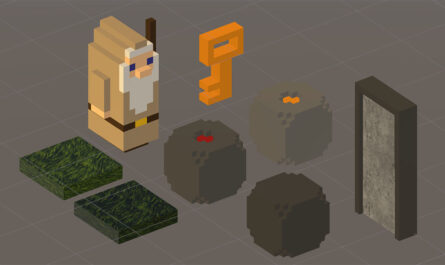
by Gäelith can now move forward and backward, rotate on himself, and push stones. When he aligns the three special stones in a row, a bright golden key falls from the sky. With this precious key, he can open the portal door and advance to the next level.
This sequence of actions is coming together beautifully, as you can see in the video above. Things are going well.
I could continue progressing with this iteration, but before moving forward, it’s time to carefully review the work done so far. The current code works fine, but if I want this project to scale properly, I need to establish solid foundations right from the start.
Refactoring the Player Class
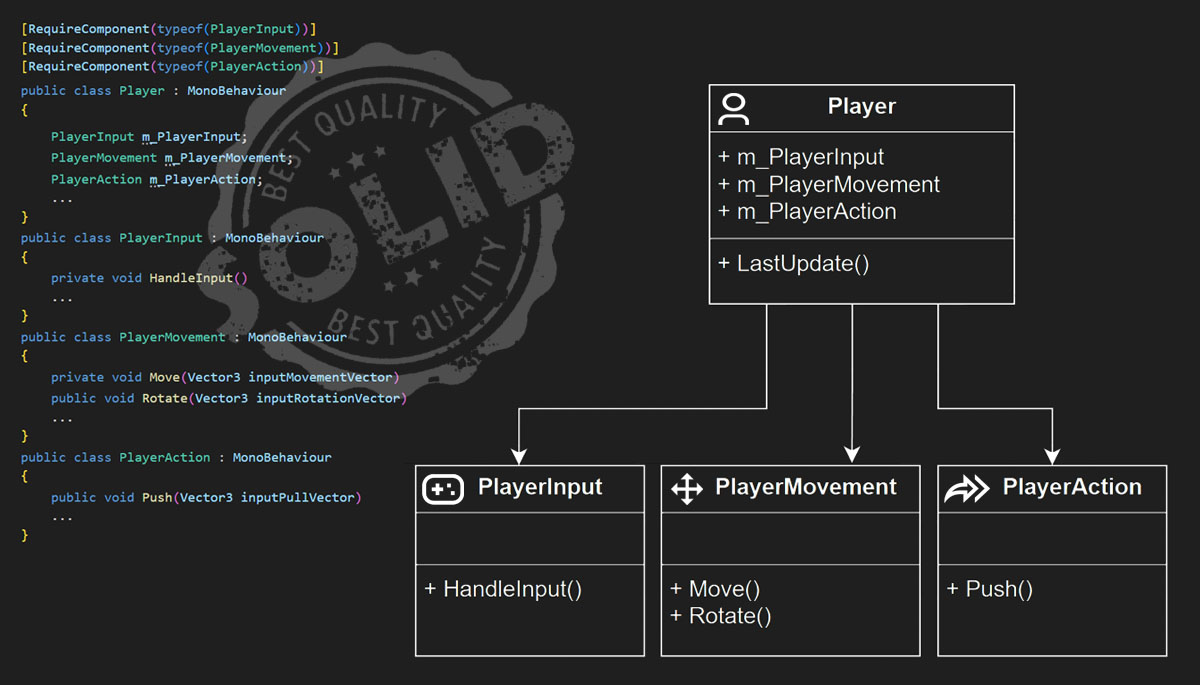
The Player class, responsible for every action Gäelith performs, is becoming too overloaded. Right now, it handles player input, movement, and actions—and I’m still in the first iteration of the project. As the game grows, this complexity will only increase, so I need to apply best software practices immediately to ensure the project remains manageable.
To improve the structure, I will refactor the Player class following the Single Responsibility Principle (SRP)—the “S” in the SOLID principles. This principle states that “each module, class, or function should have only one responsibility“. Instead of one monolithic class, I will create smaller, specialized classes, making the code easier to understand and extend in the future.
Breaking Down the Responsibilities
Following SRP, I have extracted three new classes, each handling a single, clear functionality:
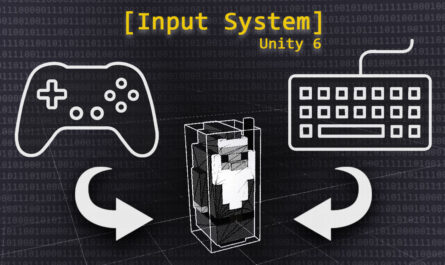
- PlayerInput: Manages all player inputs, transforming them into vectors and exposing them as public properties.
- PlayerMovement: Provides Move() and Rotate() methods, receiving input vectors and resolving movement. When I integrate character animations, this class will interact closely with the Animator state machine.
- PlayerAction: Currently the simplest class, since Gäelith has only one action. In the future, I will refactor actions using abstract classes or interfaces, allowing objects themselves to respond to interactions, with PlayerAction acting only as an initiator.
This restructuring will make future improvements much easier to implement. For example, when I introduce mouse and gamepad controls, the PlayerInput class will allow me to do so seamlessly. Similarly, PlayerMovement and PlayerAction will help manage new movements and interactions without breaking the existing system.
Learn More About SOLID Principles
For those interested in game development best practices, Unity provides an excellent free e-book that covers SOLID principles and other essential design patterns for video games. It’s a great resource for writing clean, maintainable code in Unity projects.
Play, learn, learn to play, play to learn… and with Unity, you can do all of that!